Please enter at least 3 characters.
Parallel Search is an AI-driven legal research functionality that uses natural language understanding to find conceptually relevant case law, even without exact keyword matches.

Hi, I'm AMICUS. Your GPT powered virtual legal assistant. Let's chat.

Search on Casemine as you search on Google!
If the use of operators still interests you, construct your query in any of the following ways:
Title: Search by directly entering any case title.
Examples: in re Application of DODD
Phrase: Search for an exact phrase by placing it
in quotes.
Examples: "invalidation of an arbitration agreement", "doctrine of issue preclusion"
Proximity: Find words near each other by placing
/N after quoted words, where N is the number of words that can come
between them.
Example: "divorce child custody"/10 will find the words divorce and child custody no more than 10 words apart.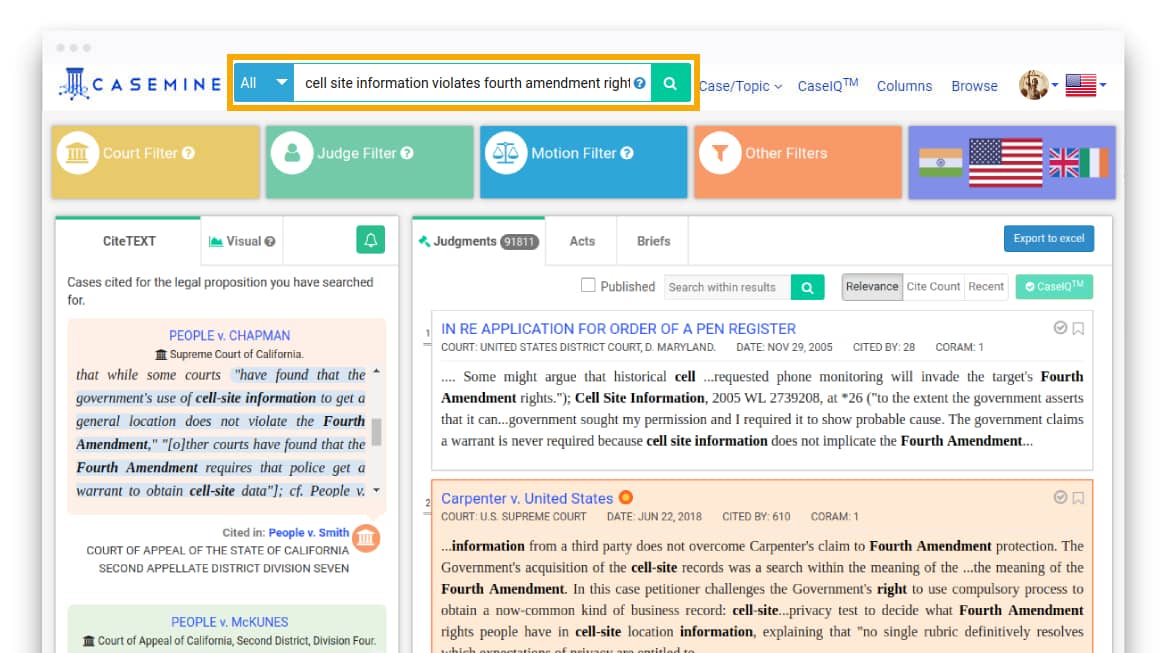
Title Search
Title: Search for a judgment by entering the case title.
Example: Marbury v. Madison, etc.
Petitioner: Search for a judgment with a petitioner name.
Example: McCULLOCH yields all cases including the given petitioner name, such as - McCULLOCH v. McCULLOCH, McCULLOCH v. CANADIAN PAC. RY. CO., etc.
Respondent: Search for a judgment with a respondent name.
Example: Ogden yields all cases including the given respondent name, such as - CHARTIER v. OGDEN, PEOPLE v. OGDEN, etc.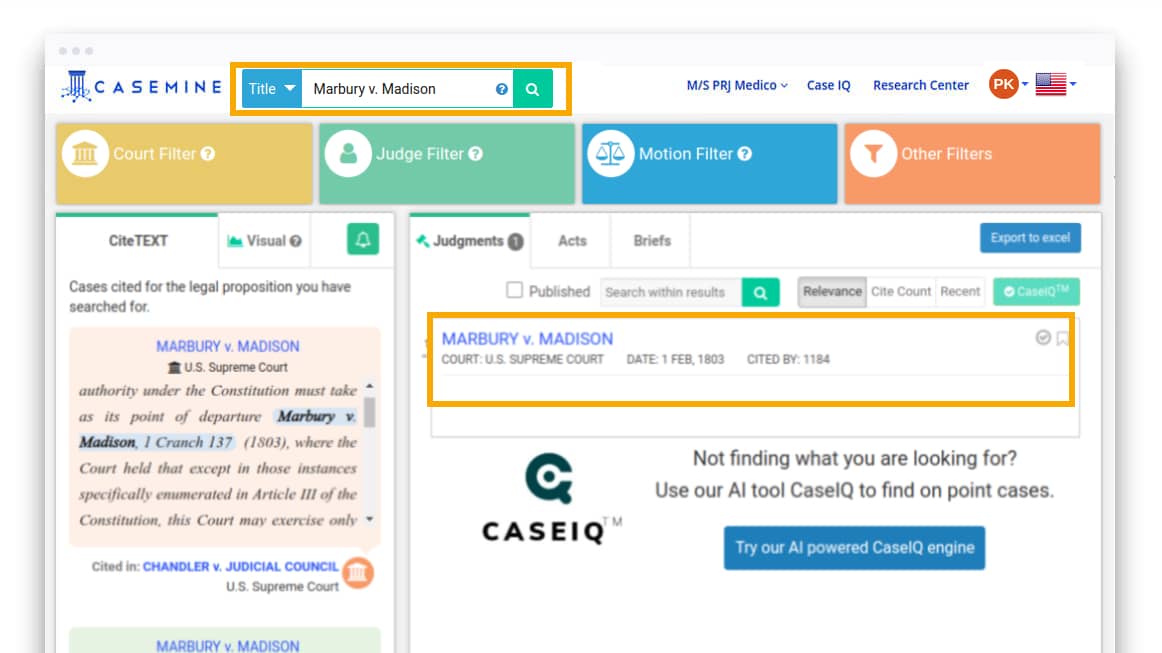
Search Connectors
Truncation (*): The root expander or truncation
find various forms of a word.
Example: acqu* yields cases with variant endings, such as acquire, acquisition, acquitted etc.
Wildcard (?) : The Single character wildcard
replaces single letter in a word.
Example: te?t yields cases with any that fits with this wildcard such as - text, test etc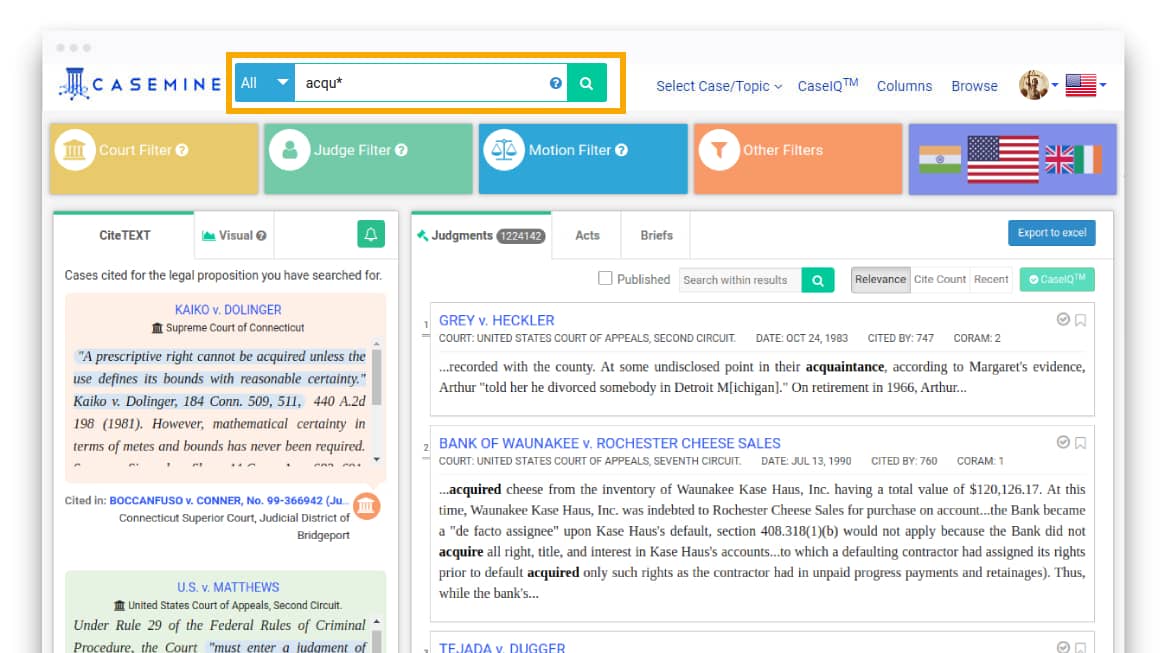
Boolean Operators
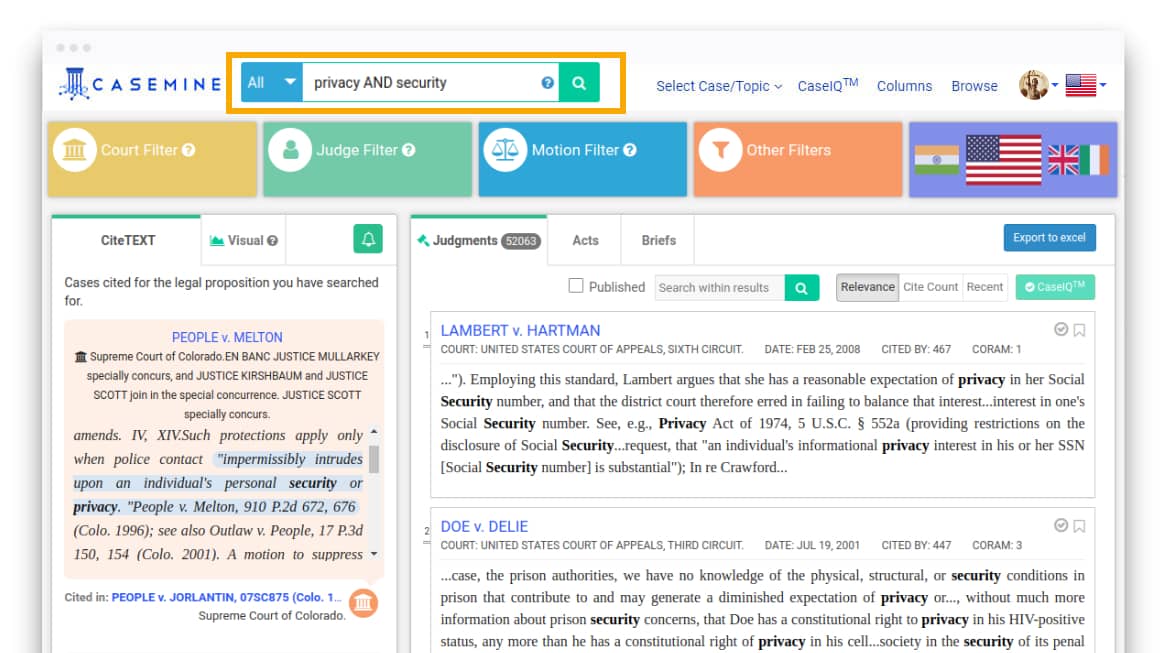
AND: To restrict a search
Example: privacy AND security will find the documents have both privacy and security.
OR: To expand a search
Example: transportation OR energy will find the documents have either transportation or energy.
NOT: To exclude a word from a search
Example: undertakings NOT contract will find the documents matching undertakingsbut not contract.